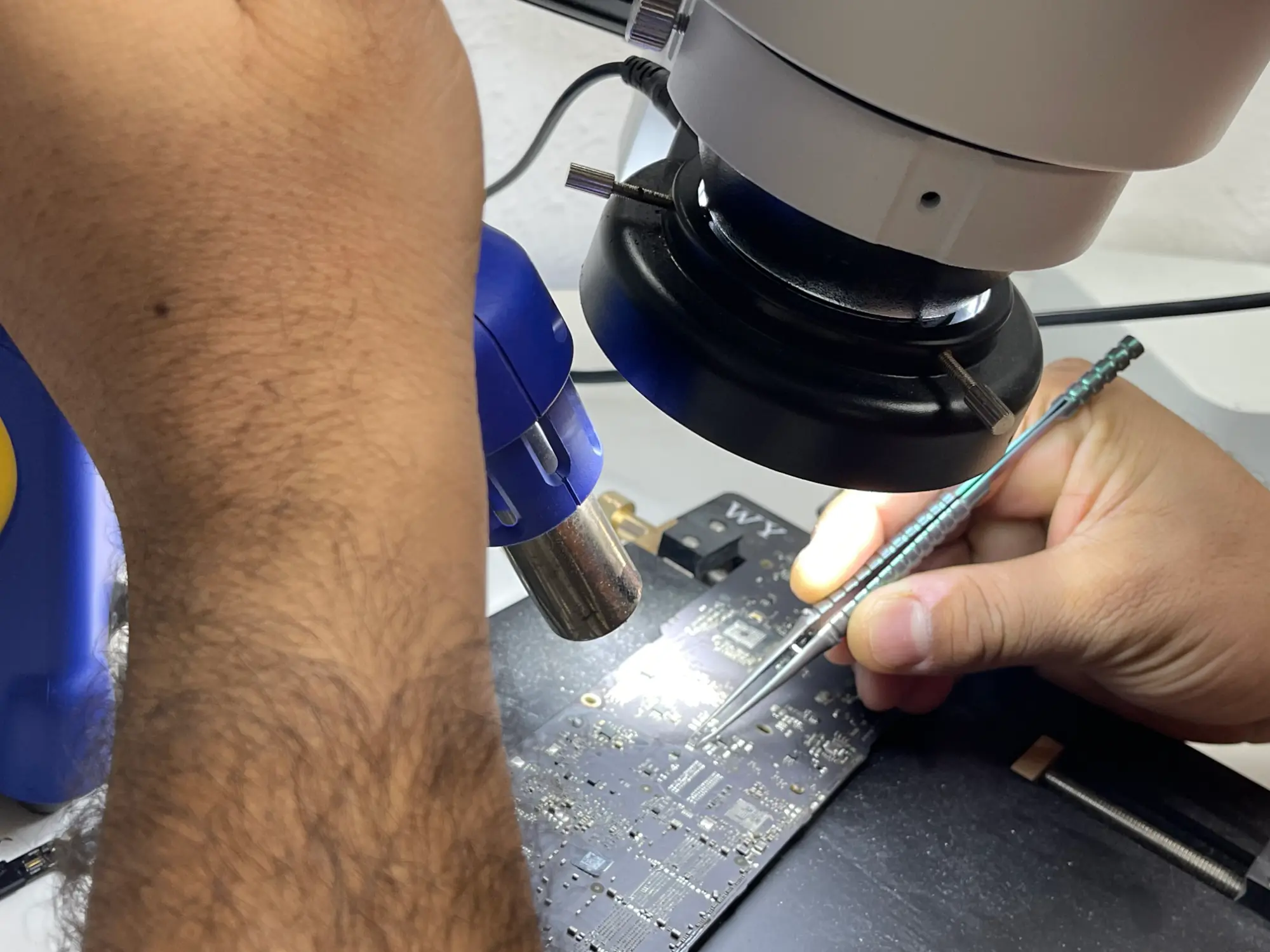
If your MacBook won’t turn on, start with three quick checks: make sure it’s getting power, make sure it’s not just a dark screen, and force a restart by holding the power button for about 10 seconds. Many MacBooks that seem dead turn out to have a drained battery, a bad charger or a frozen system, so try these steps before you assume the worst.
If anything spilled on your MacBook, skip ahead to the water damage section first, because trying to power on a wet laptop can make the damage worse.
Step 1: Check the Charger and Power
- Plug the charger straight into a wall outlet that you know works, not a power strip.
- Check the cable and adapter for frayed spots, bent pins or burn marks. If you have another compatible charger, try it.
- On MacBooks with more than one USB-C port, try a different port.
- If your charger uses a MagSafe cable, check the light on the connector. Amber usually means it’s charging, and green means it’s full. No light at all points to the charger, the outlet or the MagSafe port.
- Let it charge for a while. A completely drained battery may need some time before the MacBook will start.
Step 2: Make Sure It’s Not Just the Screen
Sometimes the MacBook is actually on, but the display isn’t showing anything. Signs that it’s on include the keyboard backlight turning on, the Caps Lock light coming on when you press it, fan noise, or the Touch Bar lighting up on models that have one.
- Press the brightness-up key a few times.
- Connect an external monitor or TV if you have one. If the picture shows up there, the problem is likely the MacBook’s display or its cable, not the whole computer.
Step 3: Force Your MacBook to Restart
Press and hold the power button for about 10 seconds, then let go. On MacBooks with Touch ID, the Touch ID button is the power button. Then press and release the power button normally to turn it on.
If the MacBook was frozen, this forces it to shut down and start fresh. It doesn’t erase anything.
Step 4: Reset Power Settings on Intel MacBooks
MacBooks with Apple silicon (M1 and newer) don’t need a separate power reset. Apple says that simply restarting, or shutting down and turning the Mac back on while it’s plugged in, takes care of it.
Older Intel-based MacBooks have an SMC (System Management Controller), a chip that handles power, battery charging and fans. Resetting it can fix some power problems. The steps depend on your model, so follow Apple’s instructions for your exact MacBook. Not sure which kind you have? Any MacBook model from 2021 or later has Apple silicon.
Step 5: Try macOS Recovery If It Gets Stuck
If your MacBook turns on but gets stuck on the Apple logo, a progress bar, a blank screen or a circle with a line through it, it’s a startup problem, not a power problem. macOS Recovery has tools that can check the drive and reinstall macOS:
- Apple silicon: Shut down, then press and hold the power button until the startup options window appears. Select Options, then click Continue.
- Intel: Press the power button, then immediately press and hold Command (⌘) and R until you see the Apple logo or another image.
From there, Disk Utility can check the drive for errors. If you’re not comfortable with this, stop here. Erasing or reinstalling the wrong thing can put your files at risk.
Did It Get Wet? Stop and Don’t Plug It In
If water, coffee or any other drink spilled on your MacBook, stop pressing the power button and don’t plug it in. Trying to power on a wet MacBook can short the logic board and turn a fixable problem into a bigger one. Read our guide on what to do in the first 10 minutes after a MacBook spill, then bring it in as soon as you can.
Why a MacBook Won’t Turn On: Common Causes
When the simple fixes don’t work, the cause is usually one of these:
- A battery that’s completely drained or worn out
- A faulty charger, cable or charging port
- A frozen system or a failed software update
- A display or display cable problem, where the Mac is on but the screen stays dark
- Liquid damage, sometimes from a spill days earlier
- A logic board or power circuit problem
Some of these you can rule out at home. Others need testing with the right tools.
When to Bring It to a Repair Shop
- No lights, no sound and no response after charging and a forced restart
- The MacBook got wet or was dropped
- Your charger works on another Mac, but not on yours
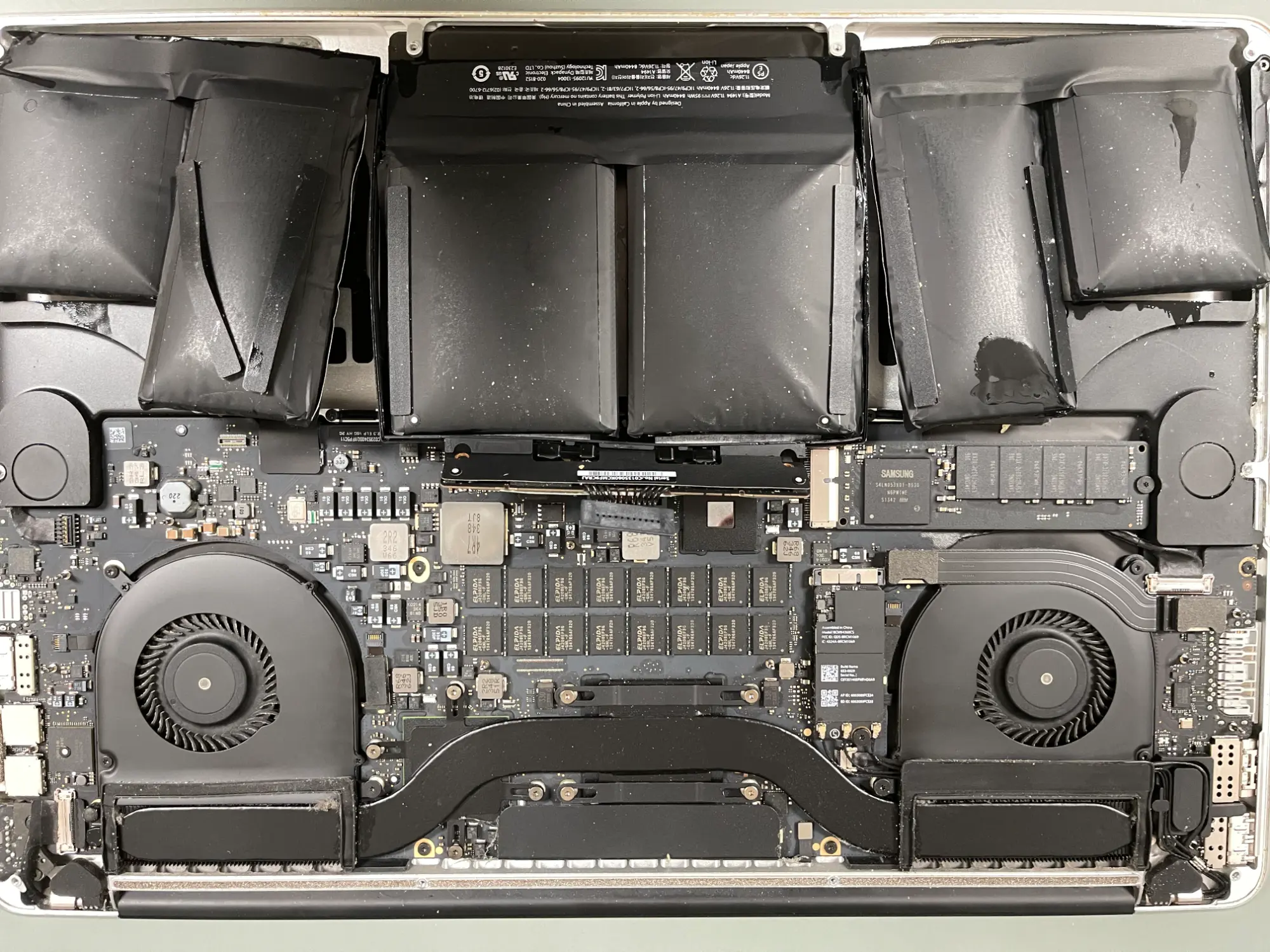
- You notice a burning smell, the trackpad is hard to click, or the case looks bulging, which can mean a swollen battery
- It seems to turn on, but nothing shows on the built-in screen or an external monitor
- You need files from a MacBook that won’t start
IFIXALL offers MacBook repair in McKinney for battery, charging port, screen, liquid damage and logic board problems. If your files are what matter most, ask about our data recovery service before anything gets erased.
MacBook Power FAQs
Why won’t my MacBook turn on even when it’s plugged in?
The most common reasons are a bad charger or cable, a battery so drained it needs more time to charge, a frozen system, or a hardware problem such as a damaged charging port or logic board.
Will I lose my files if my MacBook won’t turn on?
Not always. Often the files are still on the drive even when the MacBook won’t start. Don’t erase or reinstall anything until you know your files are safe.
Do M1, M2, M3 and newer MacBooks have an SMC reset?
No. Apple silicon MacBooks handle this automatically. A normal restart, or shutting down and turning the Mac back on while it’s plugged in, does the job.
What does a circle with a line through it mean on my MacBook?
It means the MacBook has power but can’t start up macOS. Try macOS Recovery, or bring it in so the drive and software can be checked.
Is it worth repairing a MacBook that won’t turn on?
Often, yes, especially if the problem is the charger, the battery or a single part. Get a diagnosis and a quote first so you know your options.
Get Your MacBook Running Again
Tried everything and it’s still dark? Call IFIXALL at 469-300-3936 or book online, and bring it to our shop at 2310 Virginia Pkwy in McKinney. We help customers from McKinney, Allen, Plano and Princeton.