It’s usually time for an iPhone battery replacement when Battery Health drops to 80% or lower, when your iPhone shows a “Service” message, or when the phone dies or shuts down long before the end of the day. You can check your battery health in Settings in less than a minute.
Here’s how to read your battery health, what the numbers mean, the signs that your battery is worn out, and how to get the most life out of the battery you have.

How to Check Your iPhone Battery Health
- Open the Settings app.
- Tap Battery.
- Tap Battery Health. On iPhone 14 and earlier, this is called Battery Health & Charging.
Look at Maximum Capacity. This compares how much charge your battery can hold today with how much it held when it was new. On iPhone 15 and later, the same screen also shows the battery’s cycle count.
What iPhone Battery Health Means
Maximum Capacity tells you how much of the battery’s original capacity is left. At 100%, it holds a full charge, like a new battery. At 80%, it holds about four-fifths as much, so a full charge doesn’t last as long as it used to.
Apple designs iPhone batteries to keep up to 80% of their original capacity after a set number of complete charge cycles under ideal conditions: 500 cycles for iPhone 14 and earlier, and 1,000 cycles for iPhone 15 and later.
A charge cycle means using 100% of your battery’s capacity, but not necessarily all at once. Using 60% one day and 40% the next counts as one cycle.
So 80% isn’t a cliff where your phone stops working. It’s the point where most people start to notice shorter battery life, and a good time to start thinking about a new battery.
What the “Service” Message Means
If Battery Health shows Service, or a message says your battery’s health is significantly degraded, your iPhone is telling you the battery is worn and should be replaced. The phone will still work, but you’ll likely notice shorter battery life and possibly slower performance.
You may also see a note about performance management. When an older battery can’t deliver enough power, your iPhone may slow itself down a little to avoid shutting off unexpectedly. A new battery removes the need for that.
Signs You Need an iPhone Battery Replacement
- Battery Health is at 80% or lower
- Battery Health shows a “Service” message
- Your phone dies before the end of the day, even with light use
- It shuts down suddenly, sometimes with 20% or 30% still showing
- It feels slower than it used to, especially when opening apps or the camera
- It gets unusually warm during normal use or while charging
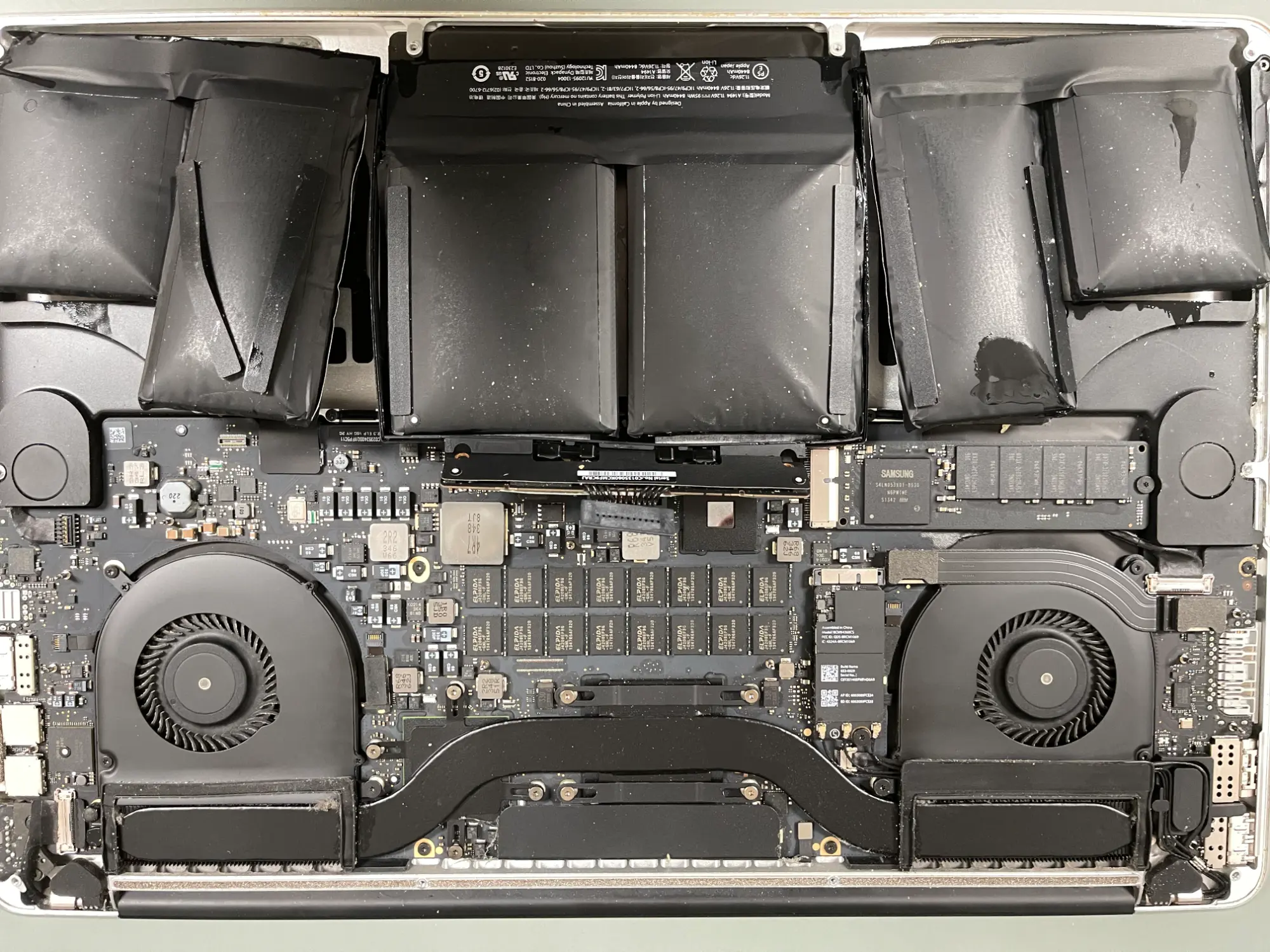
- The screen is lifting or the back is bulging
That last one is serious. A swollen battery can push the screen away from the frame. If you see this, stop charging the phone and bring it in right away.
How to Make Your iPhone Battery Last Longer
A new battery fixes a worn-out one, but these habits help any battery last longer:
- Keep it out of the heat. Heat is hard on batteries. Don’t leave your iPhone on the dashboard or in a parked car, which heats up fast in a North Texas summer.
- Leave Optimized Battery Charging on. It learns your routine and waits to finish charging past 80% until you need your phone. iPhone 15 and later also let you set a charging limit.
- Take off thick cases while charging if your phone gets hot.
- Use Low Power Mode when you need to stretch a charge.
- Check which apps use the most battery in Settings > Battery, and limit the worst ones.
- Keep iOS up to date, since updates can include battery improvements.
Battery Replacement or a New Phone?
If your iPhone still does everything you need and the main problem is battery life, a new battery can make it feel dependable again. It’s worth getting a quote before you spend money on a new phone.
A new phone may make more sense if your iPhone no longer gets iOS updates, or if it has several other problems at the same time. If your phone also has a cracked screen or a loose charging port, ask about fixing everything together.
When to Bring It to a Repair Shop
- Battery Health is at 80% or lower, or it shows “Service”
- Your iPhone shuts down with charge left
- It gets hot during normal use
- The screen is lifting or the back is bulging
- You need your phone to last through a full workday or school day again
IFIXALL offers iPhone repair in McKinney, including iPhone battery replacement, and we replace batteries in Android phones too. If you’re looking for an iPhone battery replacement near you in Allen, Plano or Princeton, our shop at 2310 Virginia Pkwy is easy to reach.
iPhone Battery FAQs
At what battery health should I replace my iPhone battery?
Most people notice shorter battery life around 80%. Below that, a replacement is usually worth it, especially if your phone also shuts down unexpectedly.
Does a battery replacement erase my iPhone?
No, replacing the battery doesn’t erase your data. It’s still smart to back up to iCloud or a computer before any repair.
Why does my iPhone die at 20% or 30%?
That’s a common sign of a worn battery. An older battery can’t always deliver the power the phone needs in a burst, so the phone shuts down early to protect itself.
Can I keep using my iPhone with a “Service” battery message?
Yes. The phone still works, but battery life and speed may suffer. If the battery looks swollen, stop using it and have it checked.
Will a new battery make my iPhone faster?
If your iPhone was slowing down because of performance management, a new battery can bring back its normal speed. It won’t make the phone faster than it was when it was new.
Book Your iPhone Battery Replacement in McKinney
Tired of hunting for a charger by lunchtime? Call IFIXALL at 469-300-3936 or book online, and bring it to our shop at 2310 Virginia Pkwy in McKinney. We help customers from McKinney, Allen, Plano and Princeton.